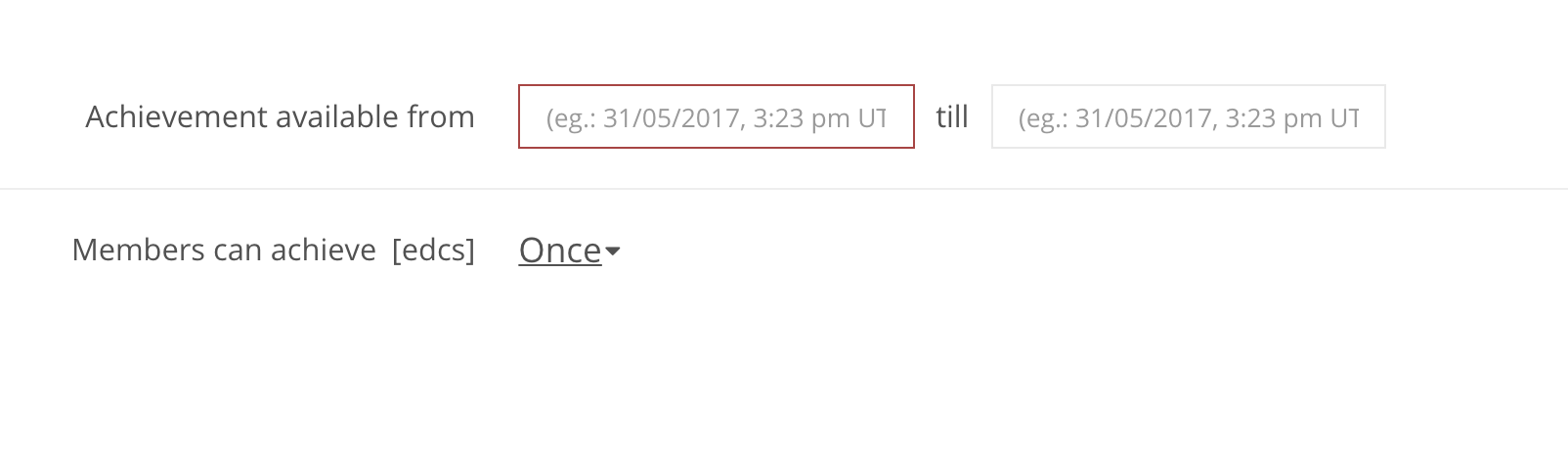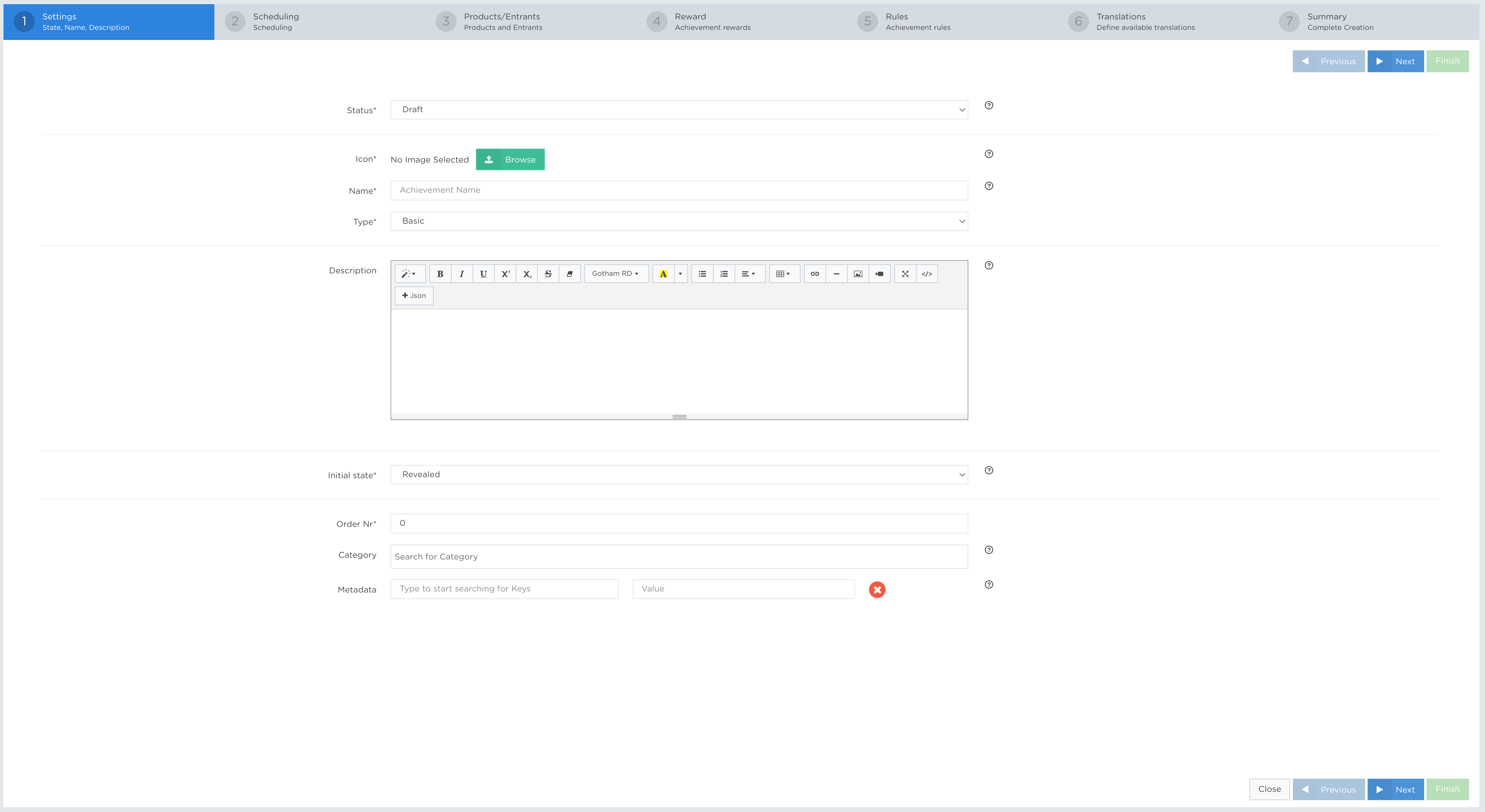
Scheduling controls when an Achievement is available and how often a player can get it.
SCHEDULING fields
EXAMPLES
» Availability DateTimeMandatory
| Available from (date/time) – Select the date (day/month/year) and time (hour: minute) in UTC time when the Achievement will become available for players to receive. |
Optional
| Available until (date/time) – Select the date (day/month/year) and time (hour: minute) in UTC time when the Achievement will become unavailable to players. This field can be left empty if an Achievement is on-going. |
» Occurrence EnumMandatory
| How many times, or when, an Achievement can be received.
Possible options:
|
» Limit Total Issue Count IntegerMandatory
| Sets the maximum number of times this Achievement can be issued across all players. Once the limit is reached, no additional instances are issued. Enter 0 to apply no total limit. |
» Limit Issue Count Per Member IntegerMandatory
| Sets the maximum number of times an individual player can earn this Achievement. This limit applies when the Achievement occurrence is set to Repeatedly. Enter 0 to apply no limit per player. |
» Allow Repeated Opt-In BooleanMandatory
| When selected, the opt-in endpoint used for the promotion can create multiple opt-in events. Leave this option unselected to use the default opt-in behaviour. |
APP Example:
| Achievement available from | 12/09/2018, 10:17 am UTC |
| Achievement available until | N/A |
| Members can achieve | Once |
API Example:
{
    "jsonClass": "Achievement",
    ...
    "scheduling": {

    "scheduleType": "Once",
    "every": [],
    "startDate": "2018-09-12T10:17:36.172+02:00",
    "onlyAggregateOnActiveDays": false
    },
    ...
}