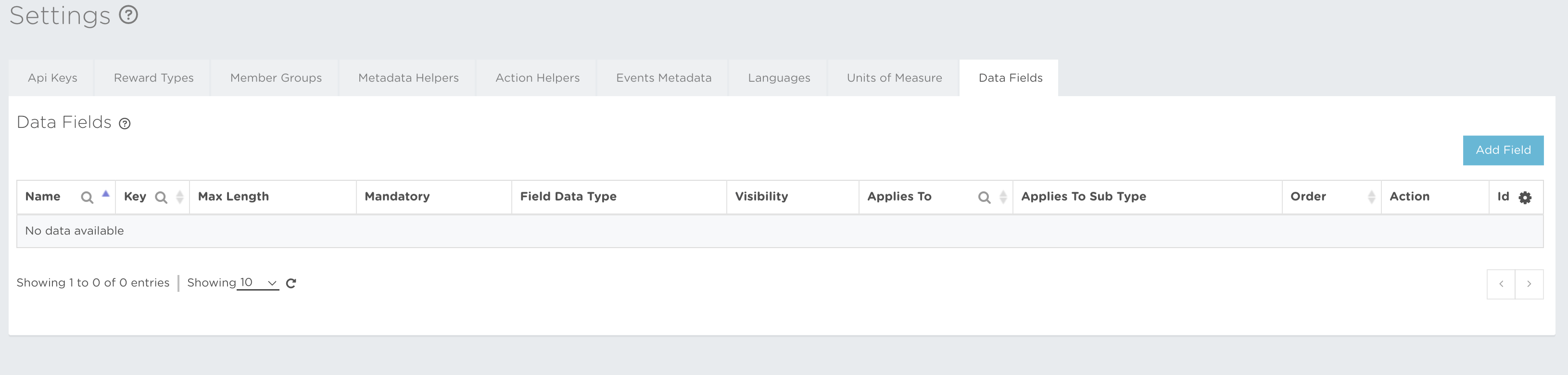
Data Fields let you add custom text, image, Boolean, enum, and other structured fields to activities and Promotions. Use them as internal labels or additional public-facing content.
Fields can be translated, hidden from public APIs, filtered in the back office, and dedicated to a particular Promotion type and subtype.
You can read about Data Field creation at Settings → Data Fields → Data Field creation, or open the guide here.
The icon buttons used in the Data Fields section are:
 Add Data Field – lets you start creating a Data Field.
 Close – cancels the current action without saving.
 Edit – lets you update the editable information.
 Clone – lets you copy a Data Field for another Promotion type or subtype.
 Remove – removes the item when its configuration permits deletion.