In the Settings section, complete the mandatory Tournament fields: name, availability, and Tournament type. Some fields are mandatory, while others are optional. Dynamic data fields appear according to the selected Tournament type. You can read more about the Tournaments model in our API documentation Competitions.
SETTINGS fields
EXAMPLES
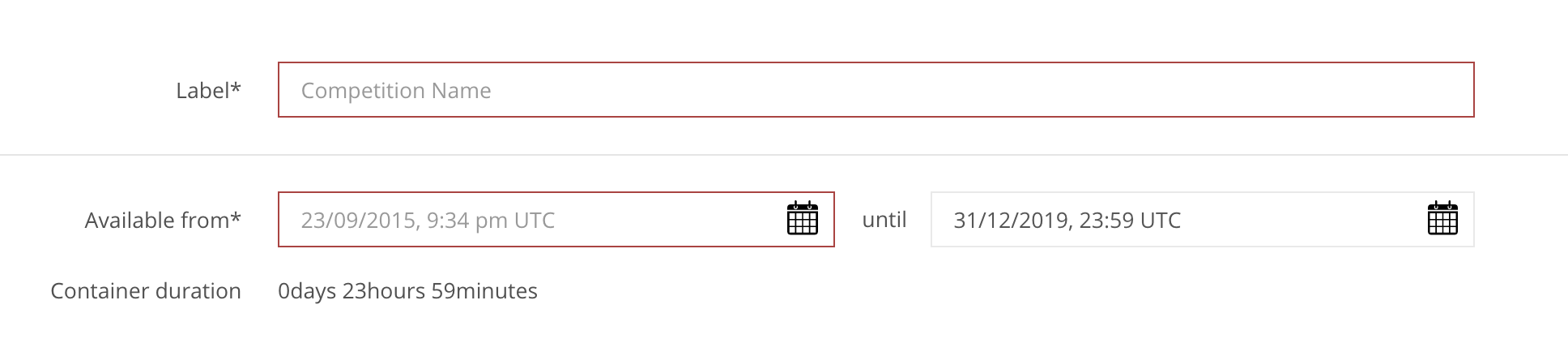
» Label StringMandatory
| The Name of the competition and contest that the player sees in the leaderboard. The name is the same for the competition and contest. |
» Tournament Type EnumMandatory
| Select the type of Tournament you want to create. Tournament types are grouped into categories because some Academy pages reference specific types. The Tournaments & Rankings Advance page does not apply type filters, so you can preview all available types there. Note: Dynamic data fields change according to the selected type and are configured under Settings → Data Fields. |
» Availability from Date/TimeMandatory
| Select the date (day/month/year) and time (hour: minute) when the competition and contest will start in UTC. |
» Availability until DateTimeMandatory
| Select the date (day/month/year) and time (hour: minute) when the competition and contest will end in UTC.* |
» Container duration Automated
| The automatically calculated and implemented the time duration of the Competition. |
» Description StringOptional
| The Competition and Contest description are visible to players on the leaderboard. |
» Metadata Array[Object]Optional
| Optional information you can store for reference. |
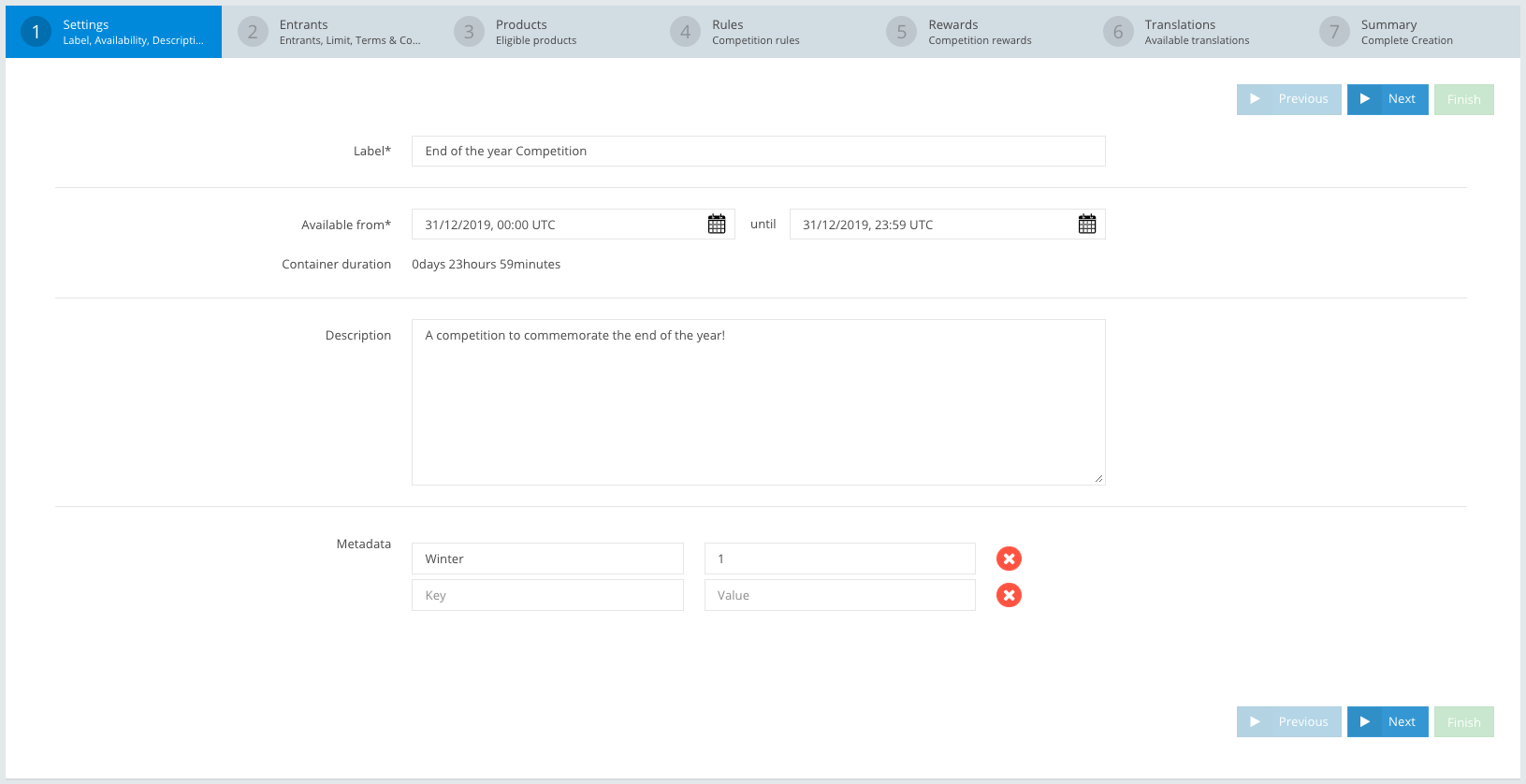
APP Example:
| Label | End of the year Competition |
| Availability from | 31/12/2019, 00:00 UTC |
| Availability until | 31/12/2019, 23:59 UTC |
| Container duration | 0days 23hours 59minutes |
| Description | A competition to commemorate the end of the year! |
| Metadata: Key | Winter |
| Metadata: Value | 1 |
API Example:
{
    "jsonClass": "Competition",
    ...
    "label": "End of the year Competition",
    "options": {
        "autoStart": true,
        "autoStartRetryInterval": 1000,
        "autoStop": true,
        "autoStopRetryInterval": 1000,
        "scheduledDates": {
            "jsonClass": "StartEndDate",
            "start": "2019-12-31T00:00:00.000+0000",
            "end": "2019-12-31T23:59:00.000+0000"
        },
        "actualDates": {
            "jsonClass": "StartEndDate"
        },

    "description": "A competition to commemorate the end of the year!",
    "metadata": [
        {
            "jsonClass": "Metadata",
            "key": "Winter",
            "value": "1"
        }
    ],

    ...
}