Quick links
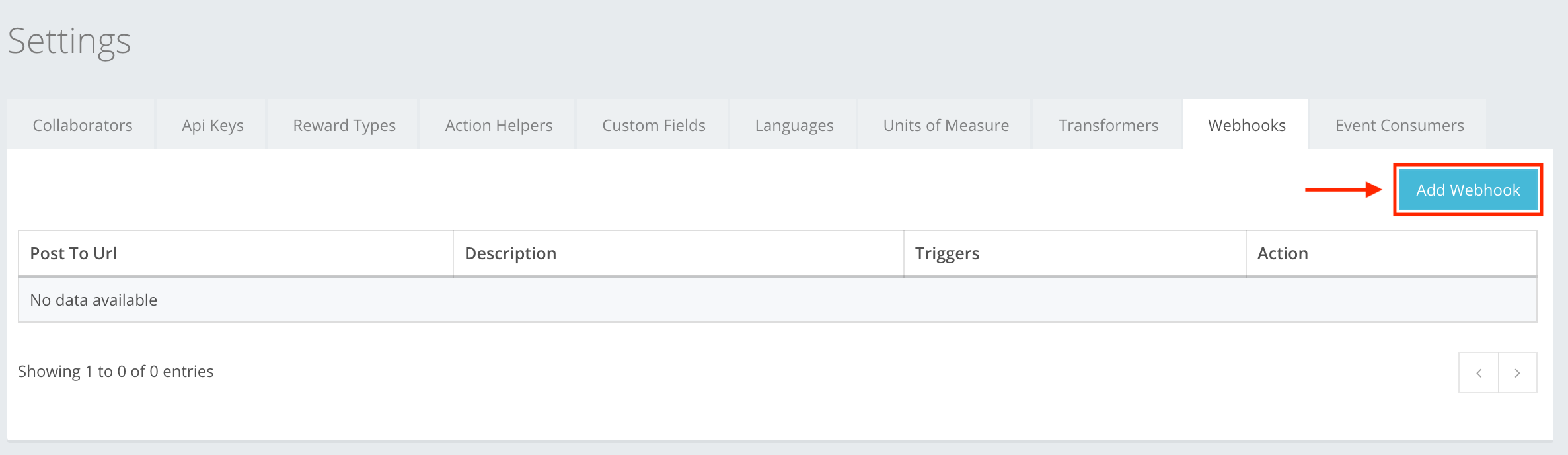
Webhooks is a communication service which allows you to configure return call-back services depending on triggers. To create a Webhook you first need:
- A Transformer for it to work. You can read how to create a Transformer in the Transformers section.
- A Webhook for the transformer to work. When you have a transformer, then in Settings → Webhooks press Add Webhook, as shown in the example. You can read about how to create a Webhook at Settings → Webhooks → Webhook creation, or here.
The icon buttons used in the Webhooks section are:
 Add Webhook – lets you start creating the webhook.
 Create Webhook – lets you create the webhook that you were creating. If information is entered incorrectly, then you cannot create, and incorrect information will be highlighted red.
 Close – cancels whatever you are creating without warning or confirmation. Information is deleted, will not be restored, and will need to be re-entered.
 Edit – lets you edit the information of the created webhook.
 Delete – lets you delete the created webhook from the list.