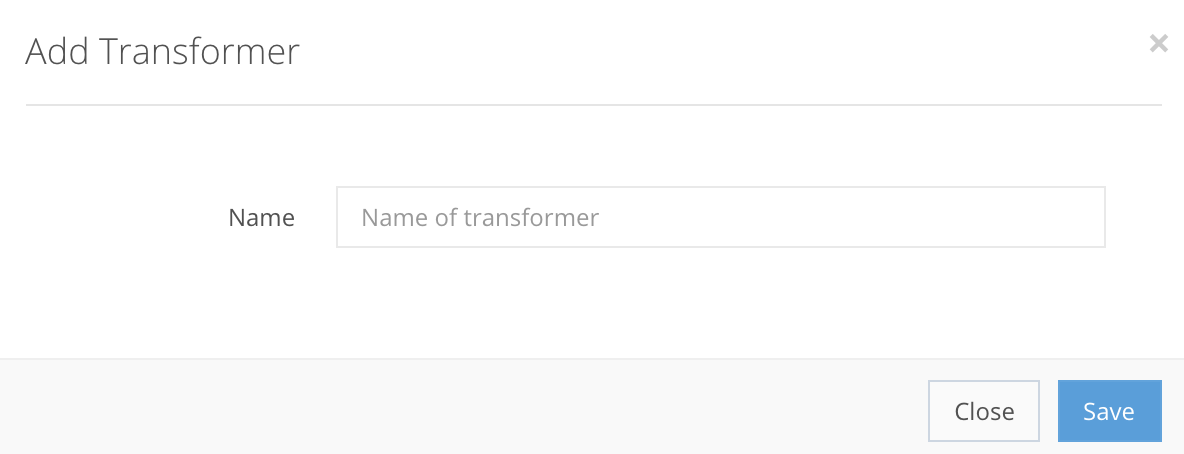
Press Add Transformer to get a new pop-up window where you fill in the new transformers label, as shown in the example below.
Transformer creation fields
Name StringMandatory| The label of the transformer. |

If all the steps are correct, the Transformer will be created in Settings → Transformers, as shown in the example. After creation, you can Edit the transformer. You can Edit the code of the transformer, or Delete it from the list.
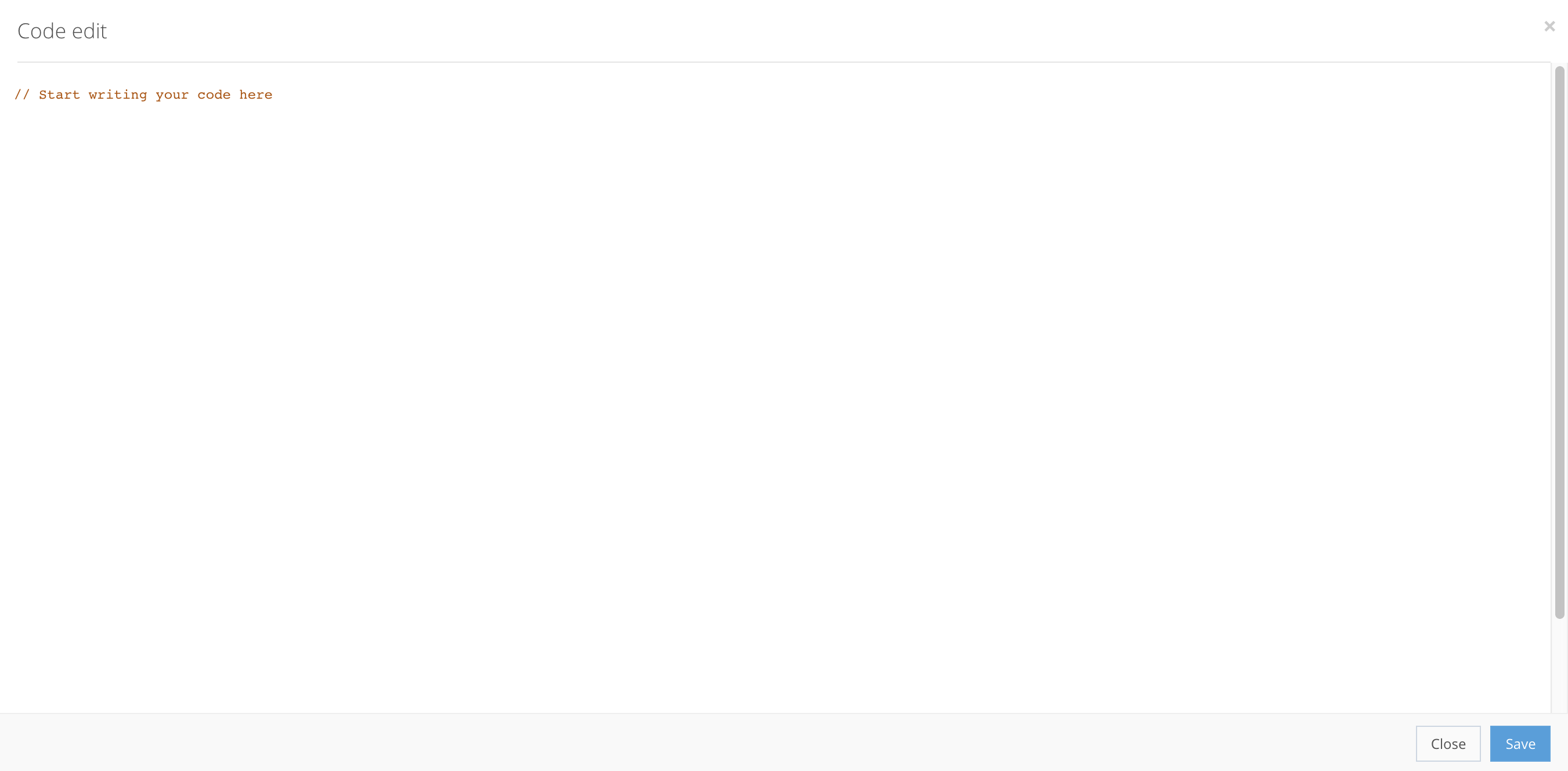
To enter your transformers code, press Code edit for a new pop-up window where you can enter your code, as shown in the example.