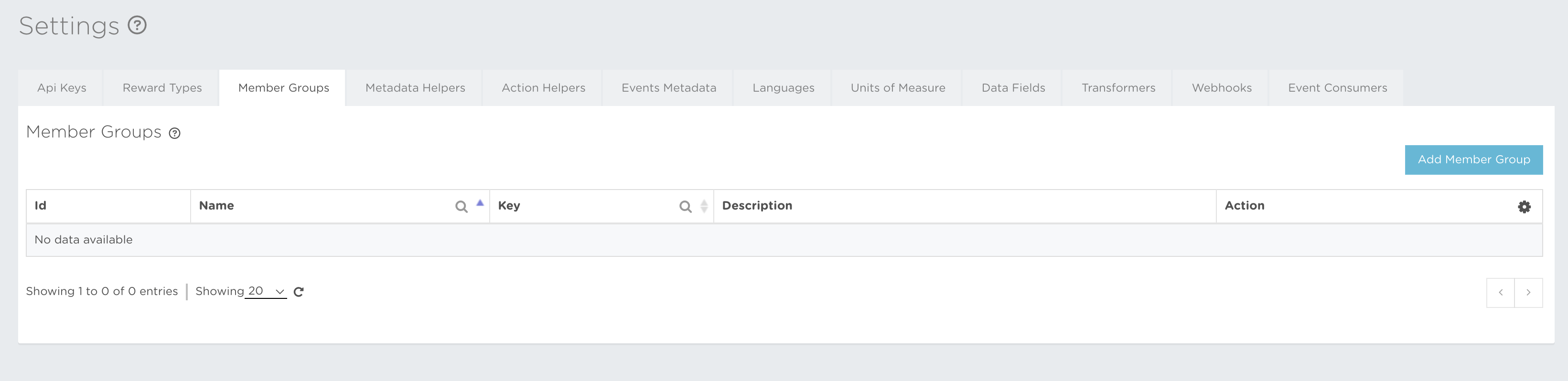
Member Groups control which members are eligible for a particular activity or Promotion. Creating them in advance is optional but recommended because it keeps naming consistent and avoids typing errors.
Groups created here appear automatically when you create or edit a member. A group typed directly during member creation is assigned to that member, but is not added to this reusable list.
You can read about Member Group creation at Settings → Member Groups → Member Group creation, or open the guide here.
The icon buttons used in the Member Groups section are:
 Add new Member Group – lets you start creating a Member Group.
 Close – cancels the current action without saving.
 Edit – lets you update the editable information.
 Remove – removes the item when its configuration permits deletion.