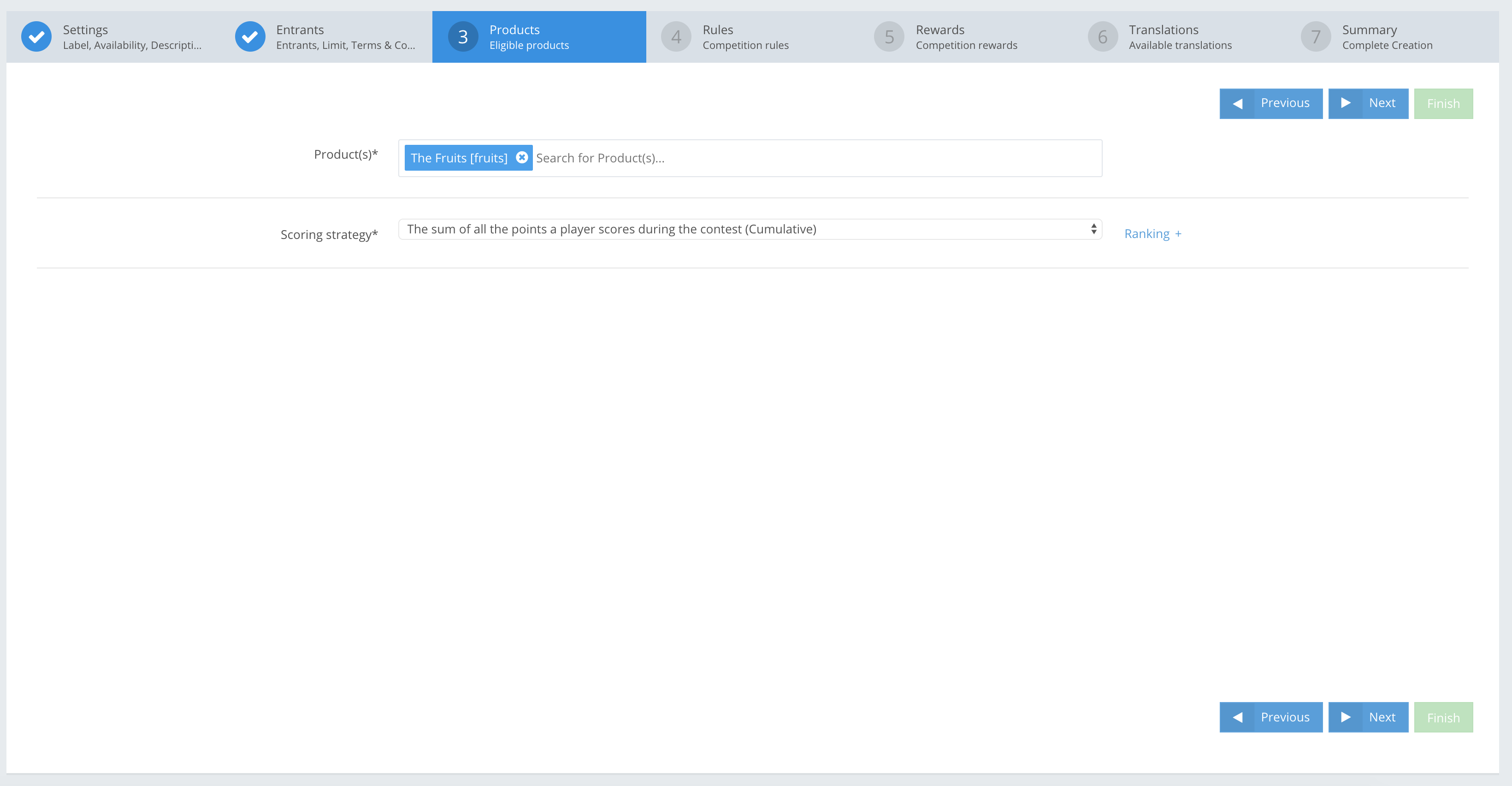
Select the Product (i.e. games) that is used in the promotion. In this step, you select Products, and the leaderboard scoring strategy.
PRODUCTS fields
EXAMPLES
» Product Array[Object]Mandatory
| Select a Product to use for the Competition and Contest. It is possible to select multiple Products for one Competition. |
» Scoring strategy EnumMandatory
| Scoring strategies are used to populate the leaderboard according to the type of competition you want to run. The basic one is “The sum of all the points a player scores during the contest (Cumulative)”, i.e. players’ total points are shown in the leaderboard. |
APP Example:
| Product | The Fruits |
| Scoring strategy | The sum of all the points a player scores during the contest (Cumulative) |
API Example:
{
    "jsonClass": "Competition",
    ...

    "numberOfRounds": 1,
    "products": [
        {
            "jsonClass": "Product",
            "name": "The Fruits",
            "productType": "Slot",
            "accountId": "E8jwdGsBmxo4zyGh9Hs7",
            "description": "Demo Fruits slot product",
            "adjustmentFactor": 1.0,
            "productRefId": "fruits",
            "actionAdjustmentFactors": [],
            "productGroups": [
                ""
            ],
            "metadata": [],
            "created": "2019-06-20T12:51:19.668+00:00",
            "id": "GsjwdGsBmxo4zyGh_3v0"
        }
    ],
   "strategies": {
     "jsonClass": "Strategies",
     "strategyType": "TotalCumulative",
      "scoringStrategy": {
         "jsonClass": "ScoringStrategy",
         "limitUpdatesTo": 0,
         "sumBestXOf": 0,
         "lastUpdateTimeStamp": 0,
         "recordTimeWhenSumReaches": 0.0
      }
   }
}