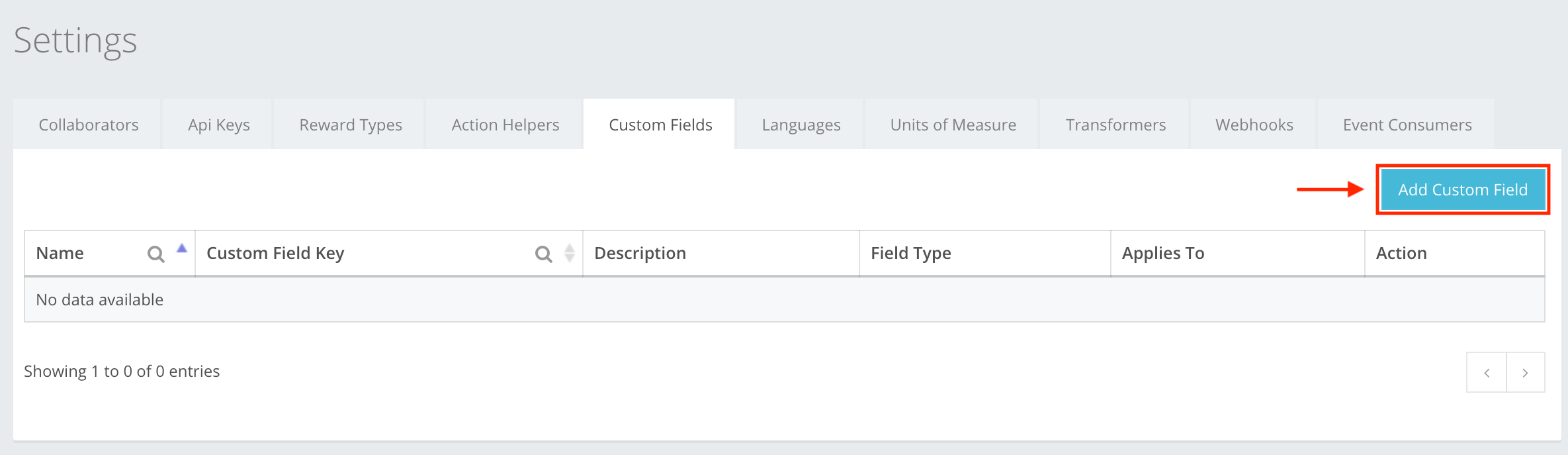
A Custom Field (a new version of the UI changed the name from Custom field to Events metadata) is used when you are creating an event and you need specific documentation about something that is not included in the standard creation tab. For example, in a field creating an event such as a Reward, you need a field that describes how many participants will get the Reward. To create a Custom Field, press Add Custom Field, as shown in the example. You can read about Custom field creation at Settings -> Custom fields -> Custom field creation, or here.
The icon buttons used in the Reward Types Section are:
 Add Events metadata – lets you start creating the custom field.
 Save – lets you create the action field you were creating. If information is filled out incorrectly, you cannot create, and incorrect information will be highlighted red.
 Close – cancels whatever you are creating. Input will be deleted without warning, will not be restored, and will need to be re-entered.
 Edit – lets you edit information in the created custom field.
 Delete – lets you delete the created custom field from the list.