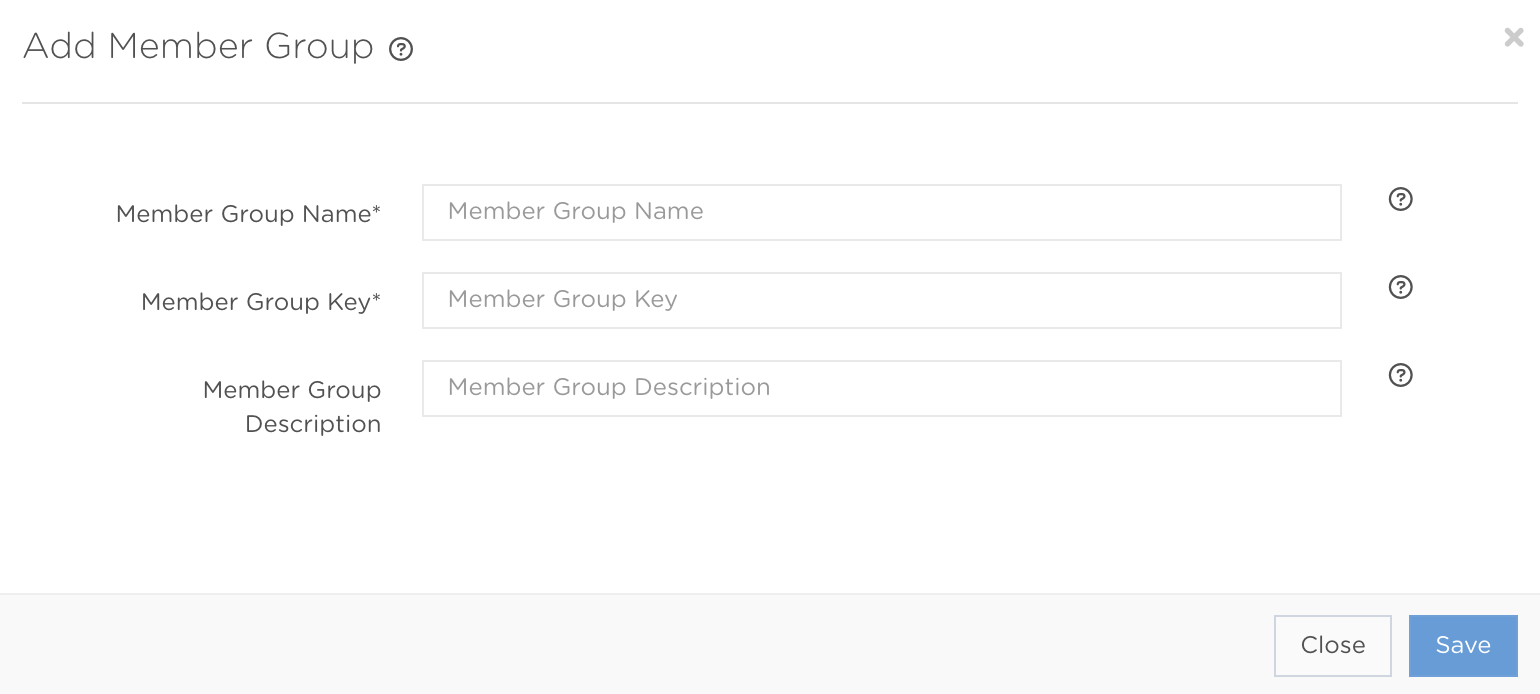
Press Add new Member Group to open the creation form shown below. Complete the mandatory fields and add any optional information needed for your setup.
Member Group creation fields
Member Group Name* StringMandatory| The name used as the group reference in the back office. Editable. Up to 100 characters. |
Member Group Key* StringMandatoryA unique, case-sensitive key that cannot be changed after creation. Accepts [a-z, A-Z, 0-9, _-]. Up to 100 characters. |
Member Group Description StringOptional| A note explaining who belongs in the group. Editable. Up to 200 characters. |