This tutorial shows you how to clone a Tournament. You can clone any previously created Tournament, whatever its status (Started, Finished, or Cancelled).
You can read our step-by-step guide or watch the Tournament cloning video tutorial.
STEP BY STEP TUTORIAL
VIDEO TUTORIAL
Explanatory subtitles are added to the video.
Step 1: Navigation
In your CompetitionLabs space, navigate to Promotions → Tournaments & Rankings Advance → + New Tournament. Here you will see a list of already created Tournaments.
The list shows pre-created Tournaments by Label, ID, Status, eligible Products, and participating Members.
Cloning is easy – just press the Clone ( ) button to clone a selected Tournament.
Step 2: Cloning the Tournament
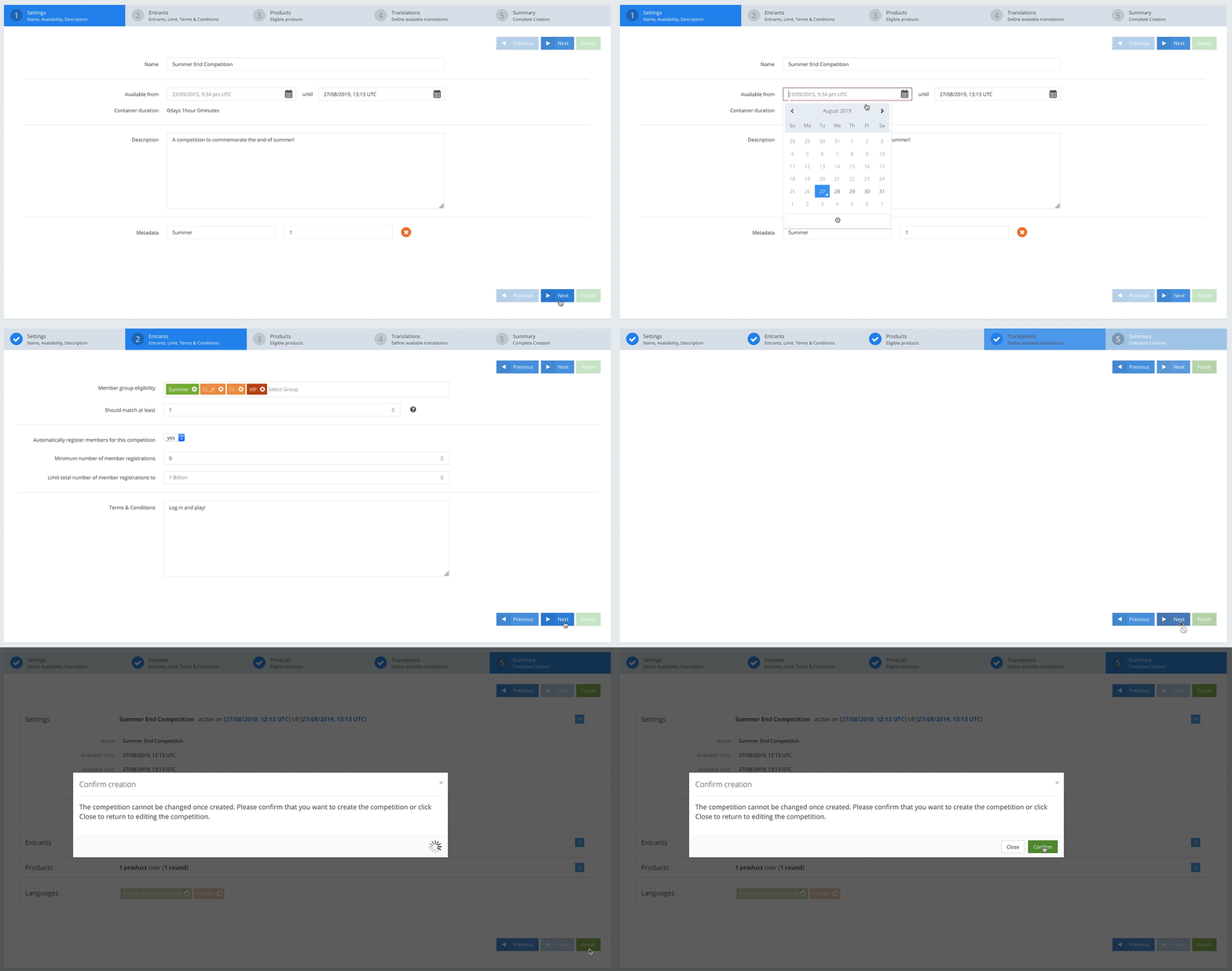
The cloning process copies all the information from the pre-created Tournament, so all the Tournament fields are populated.
As noted before, only a new date and time need to be selected for the cloned Tournament. If you are satisfied with it, press the Next button until you reach the final confirmation screen, then press the Finish button to complete the cloning process.
Congratulations! You have mastered the Cloning function.