Navigate to Settings -> Collaborators and press Add Collaborator for two options:
| Option Nr. 1
Add an existing collaborator |
| A pop-up window appears where you can add a collaborator by entering their e-mail if they already exist in the system. The email has to correct, to add the collaborator.
|
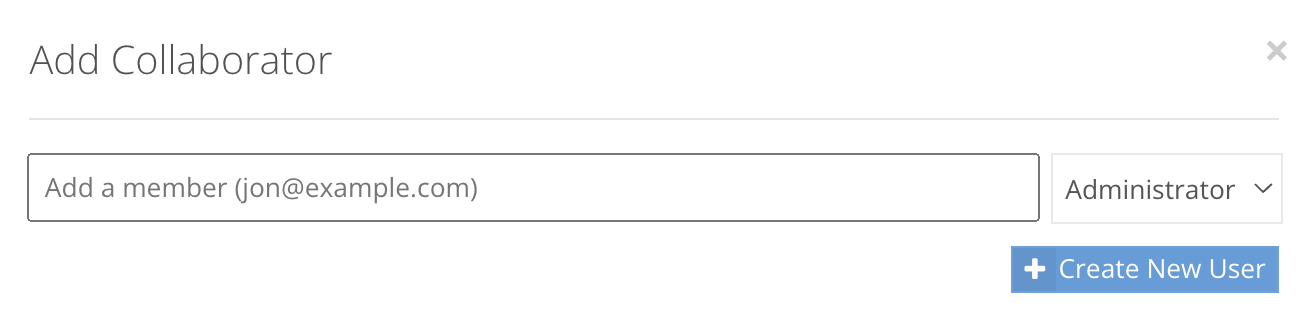
| Option Nr. 2
Create a new collaborator |
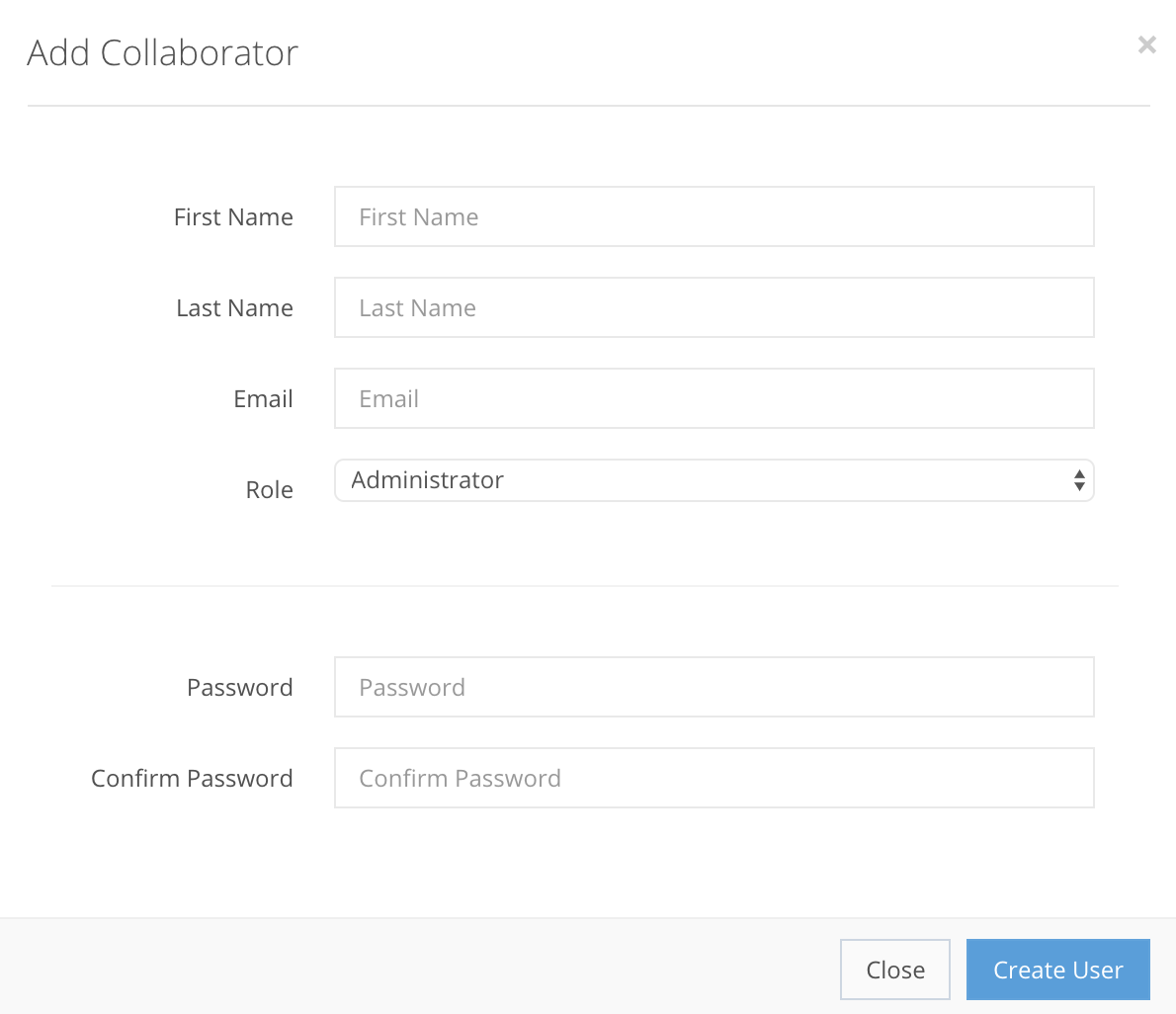
| To create a new collaborator and add them to the CompetitionLabs system, press + Create New User for a new pop-up window where you enter their information, as shown in the example below. All fields are mandatory. |
Collaborator creation fields
First name StringMandatory| The name of the collaborator (can be a pseudo name). |
Last name StringMandatory| The last name of the collaborator/user. |
Email StringMandatory| The email of the collaborator for a password reset, etc. |
Role EnumMandatoryTwo roles can be selected:
A User cannot manage collaborators, while an Administrator can. |
Password StringMandatory| A first use password for the collaborator to log into the back-office. |

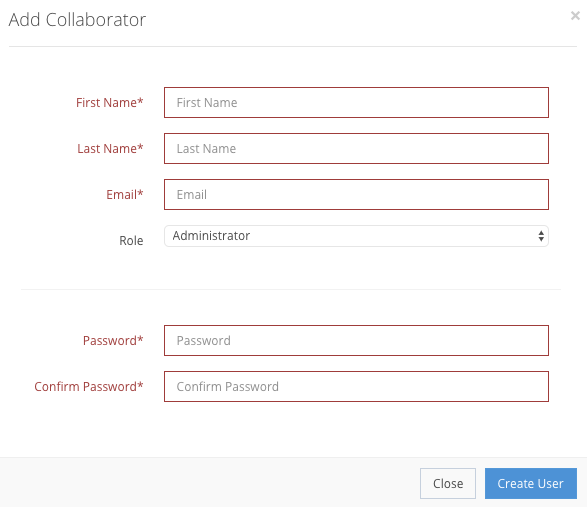
If information is filled out incorrectly, the information bar will be shown in red. If it is correct, the collaborator will be created in the Settings → Collaborators, as shown in the example. After creation, you can Delete the collaborator from the list.