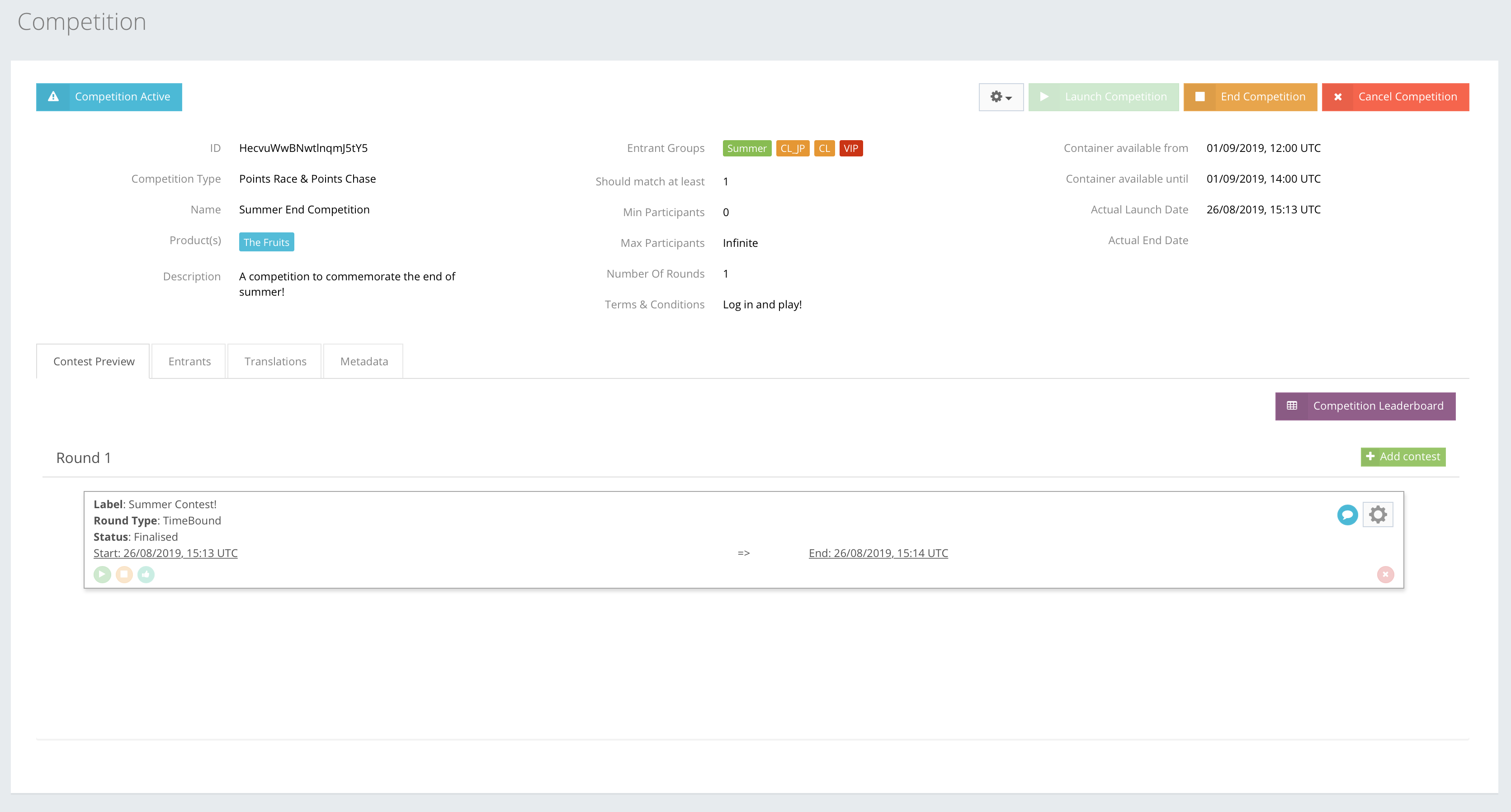
When a Tournament is created and the state changes to Active, only then can members/players participate, get points, compete with other players, compare their rank and win rewards.
It is only possible to participate, get points and win in an Active promotion.
TOURNAMENT LEADERBOARD
A Tournament leaderboard shows the points received by participating players. Players need to meet the promotion rules criteria to participate and be shown in the Leaderboard. The screenshot below shows an example of a Leaderboard.
In the live leaderboard example, Player 1 earned 1 point by meeting the configured promotion rules. The leaderboard updates automatically as qualifying points are received.
SCORES PREVIEW
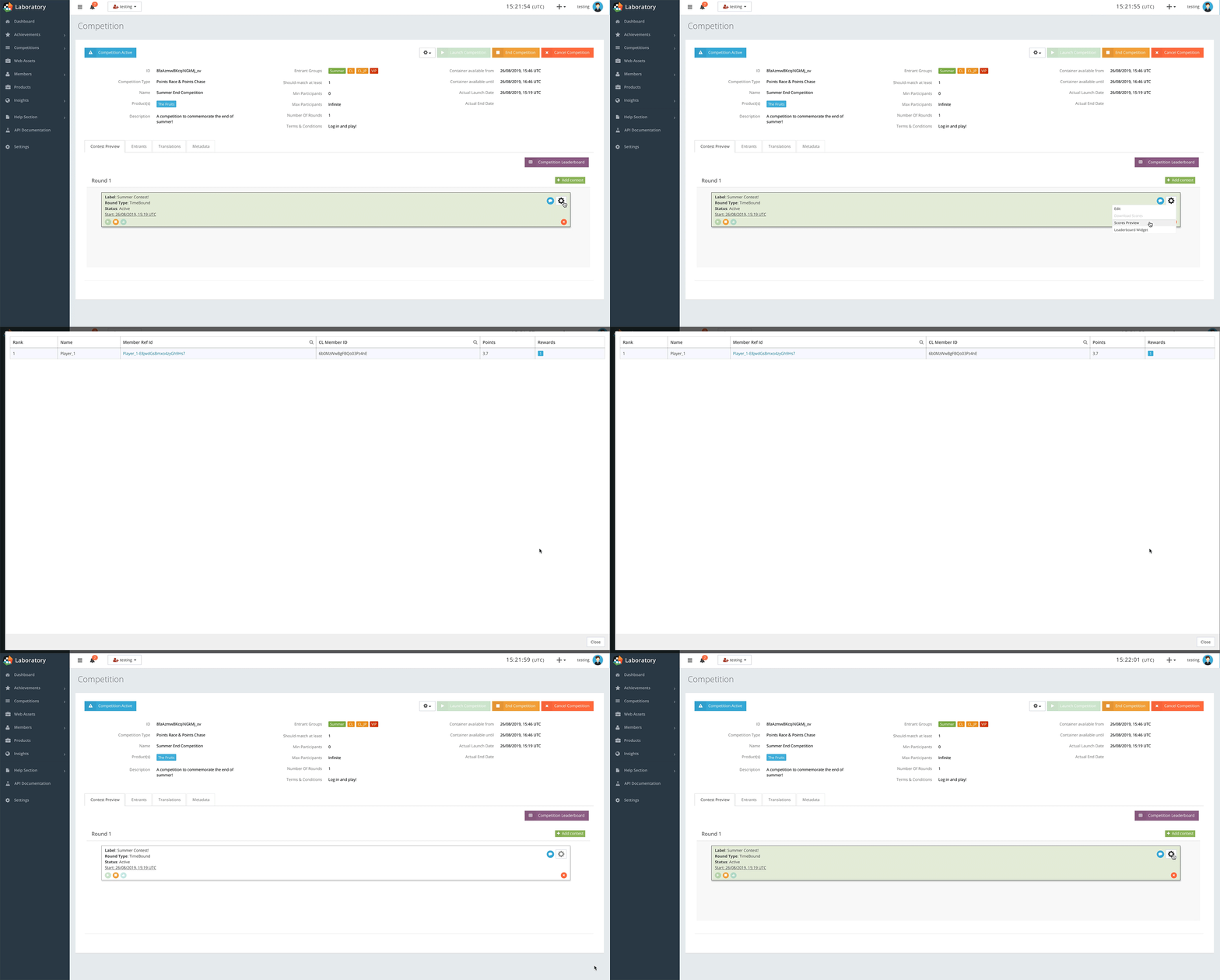
It is also possible to preview the scores of players and see more detailed information on them, e.g. their names, ranks, reference ID and Tournament activities, CL member ID, points, and the reward they will get when the promotion is finalised and rewards are issued.
DOWNLOAD SCORES
When a tournament is Finished, players who participated cannot receive any more points. A promotion goes into Finalisation state when the last data sent is entered in the scores preview on the leaderboard. When it is Finalised, it is possible to download the scores of all players in a CSV file format, as a basis for making decisions.
As shown in the example, the scores export shows the promotion Id, members’ Id’s, Ref Id’s, names, points, rank, and groups in which they are registered. The Rewards column is used to issue the specified rewards.
