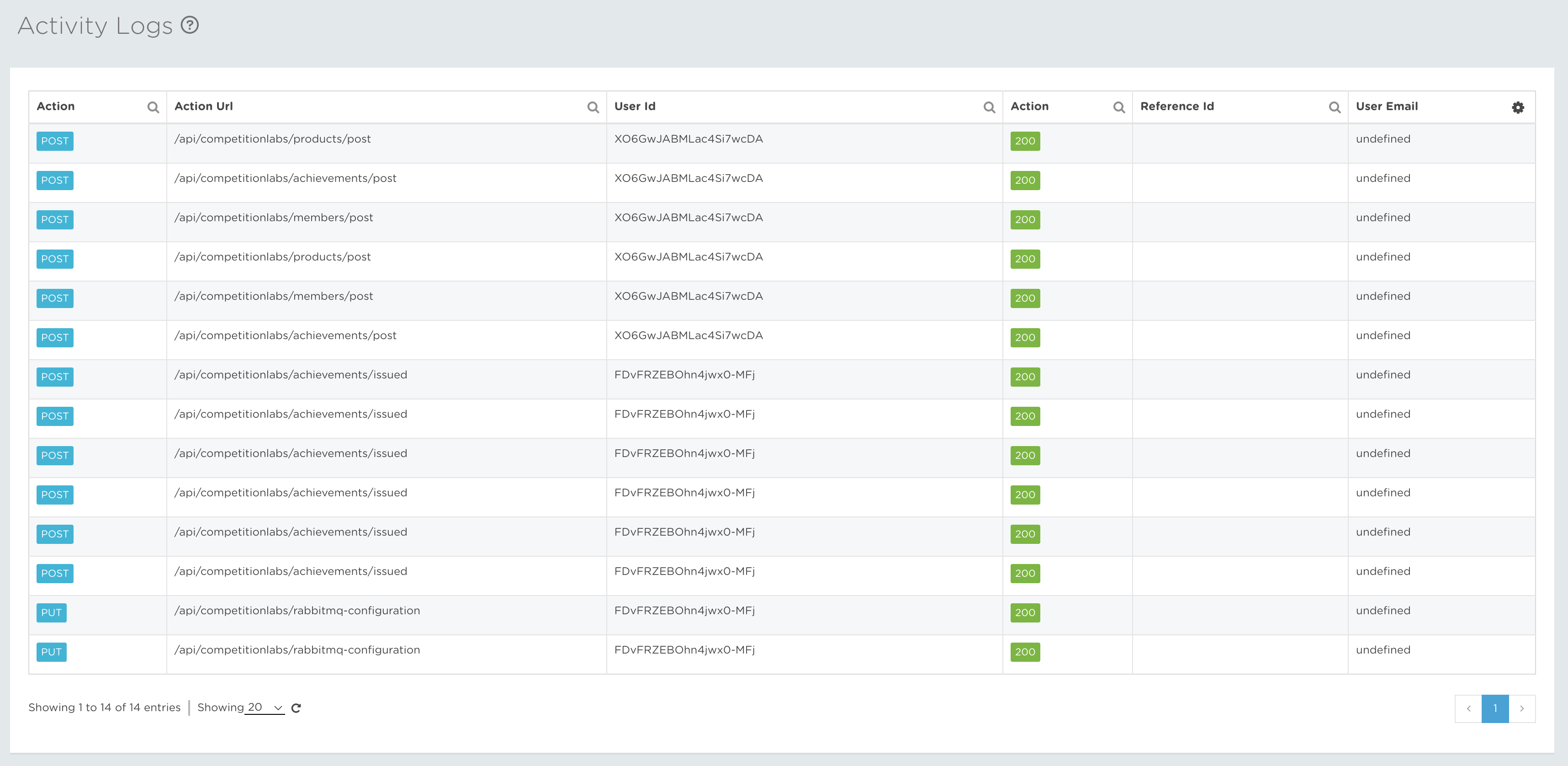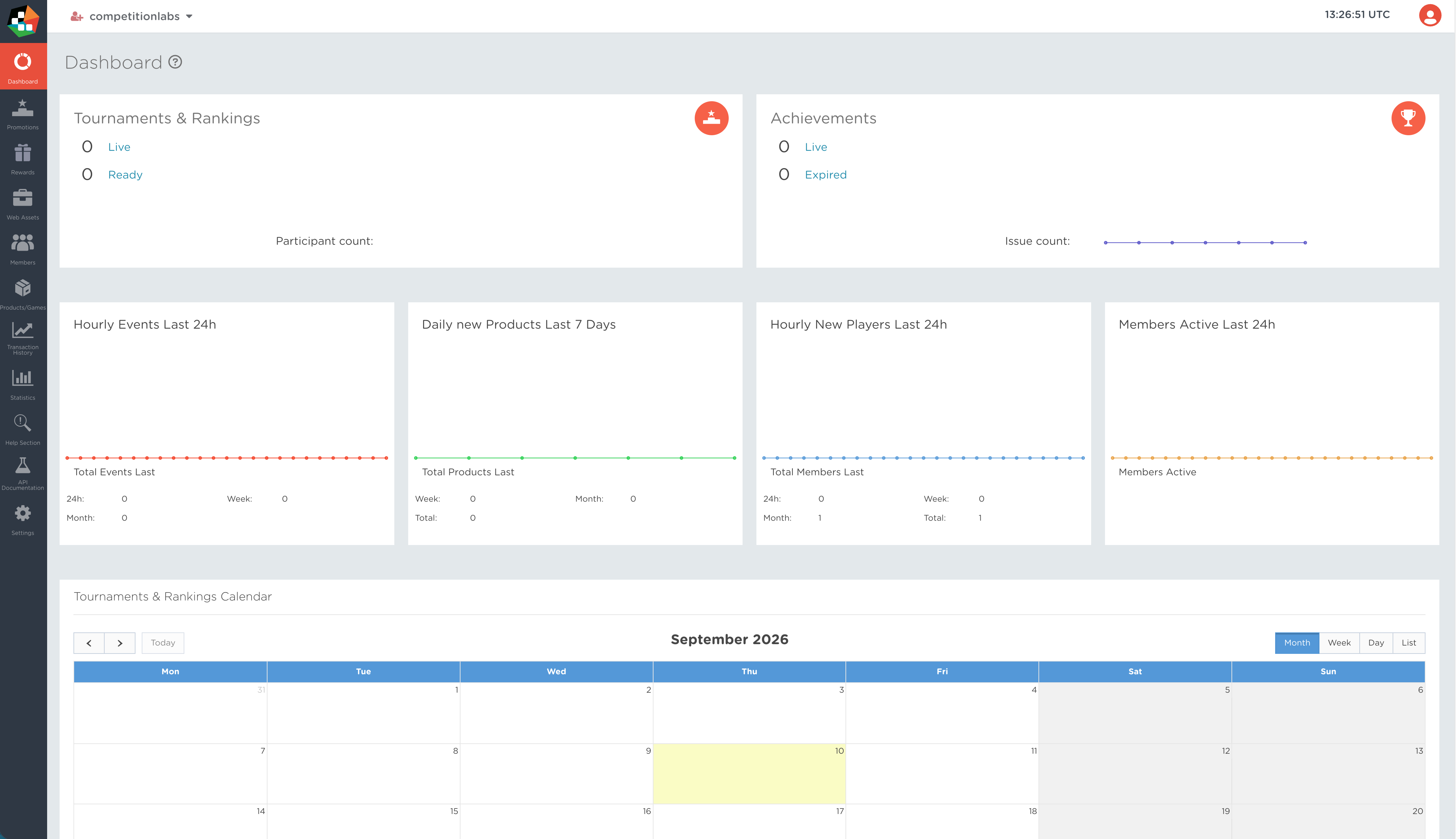
Your top navigation bar gives you quick access to the space selector and account configuration menu. The account configuration menu contains Account Settings, User Settings, Collaborators and Activity Logs.
Account/Space navigation bar / UTC Time / Account configurations
Account/Space navigation bar

A drop-down icon bar that lets you easily navigate through Accounts or Spaces. An Account/Space is your created area where you can manage events differently depending on the space. Collaborators are given different access points to different spaces.
Space – a company environment where events are being managed. A company can have multiple spaces for different regions, sub-companies, etc. Spaces can be categorized as master or sub-spaces to limit access or transferring parameters from the master space to sub-spaces.
UTC Time
 The time displayed in the laboratory dashboard is always in UTC time format, so whenever you create an event, you create it in UTC time, so that you do not have different times in different time zones for events to start and end. The timestamp that we support in our system is the ISO8601 timestamp.
Account configurations
 This icon lets you manage your basic space settings. From here, you can navigate to:
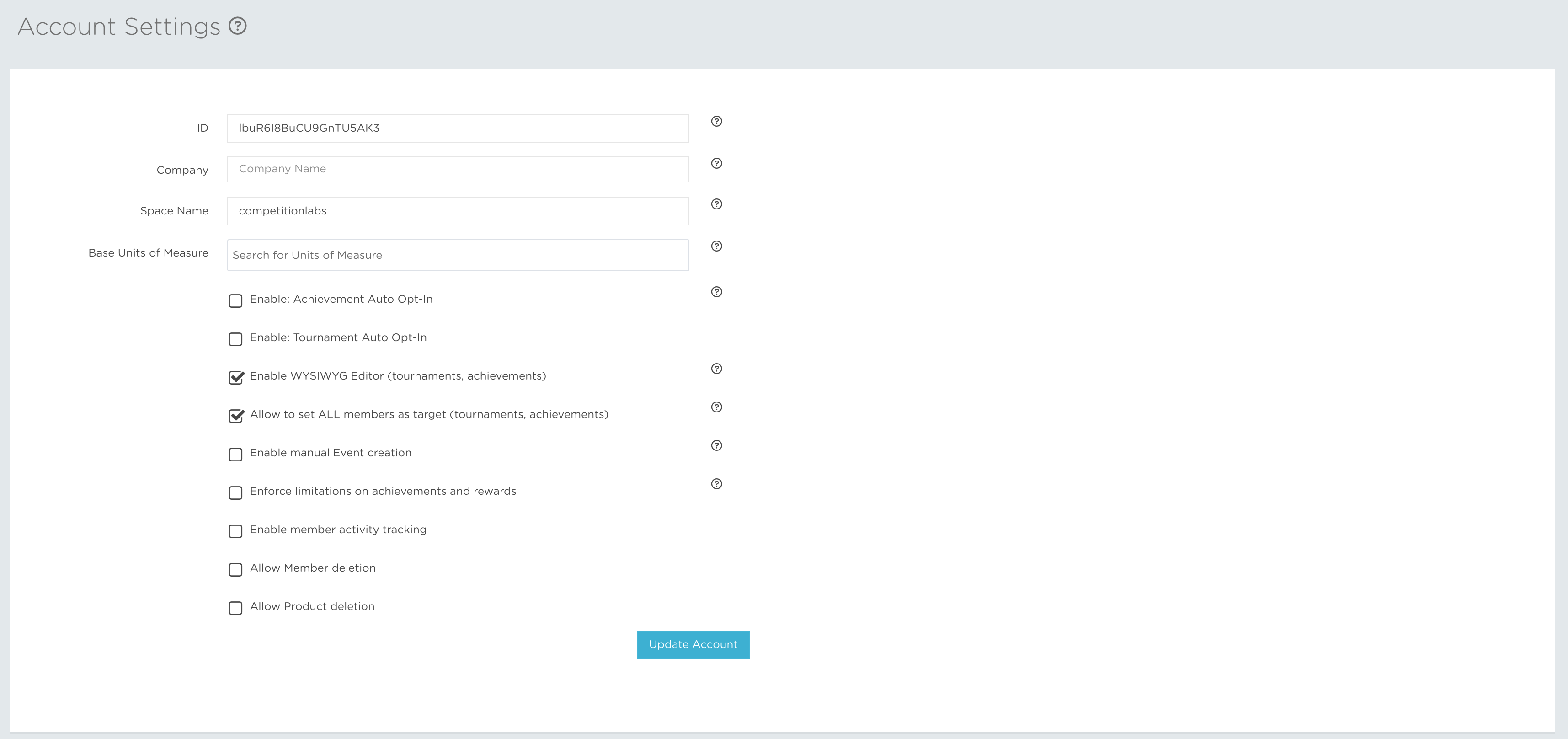
- Account Settings – View your space’s unique identifier, change your company’s display name, view the space name and update the base units of measure used in the account. Units of measure are especially useful for companies operating across countries that use different measurement systems. You can also enable or disable key space features: use the WYSIWYG editor to create richer promotion descriptions; choose whether promotions use Auto Opt-In by default; allow all members to be selected as the target for tournaments and achievements; manage manual event creation; enforce limitations on achievements and rewards; enable member activity tracking to generate session events; and manage product and member deletion.
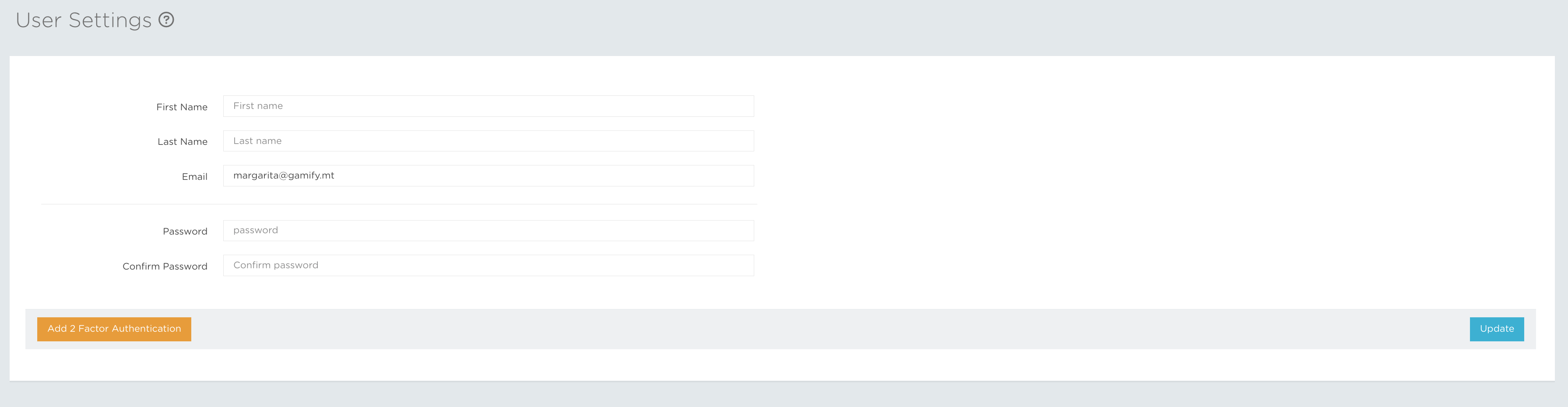
- User Settings – Manage and update your first name, last name, email address, password and any optional profile information. You can also enable two-factor authentication to add an extra layer of security to your account.
- Collaborators – Manage the people who can access your space. You can invite new collaborators or remove collaborators who no longer need access.

- Activity Logs – Review a record of the API endpoint activity in your space. These logs help you see which endpoints were used and investigate activity across the system.