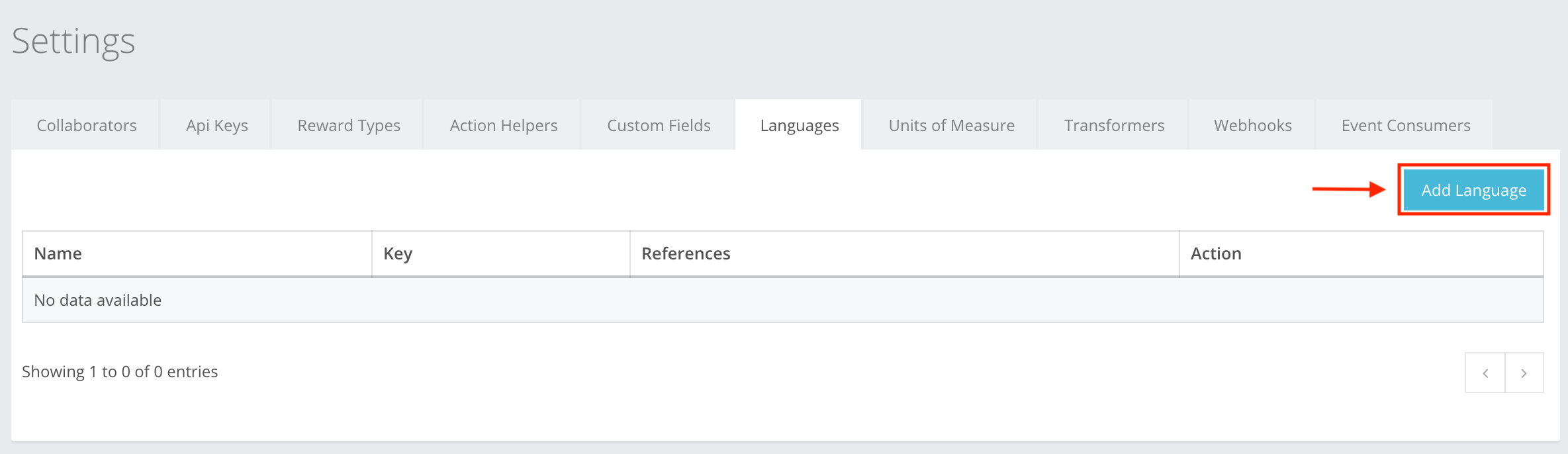
Languages is a sub-section in Settings where you manually add the languages that may be used in your event creation, and your labels and descriptions to be translated to a specific language. All languages are already in the CompetitionLabs system, so you just need to select the ones you need. To add a language, press Add Language as shown in the example. You can read about Languages creation at Settings -> Languages -> Language creation, or here.
The icon buttons used in the Languages section are:
 Add Language – lets you add languages to the list, which later on in the event creation show the languages that need to be translated to.
 Add – lets you add the language to the list.
 Close – cancels whatever you are creating. All information entered will be deleted without warning!
 Remove – lets you remove an added language from the list.