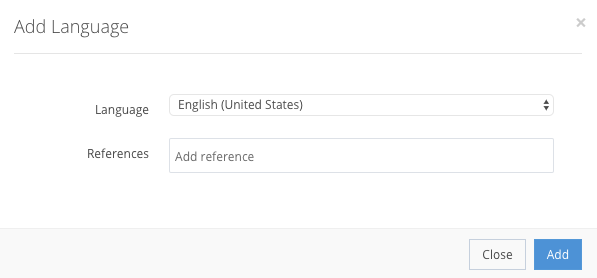
Pressing Add Language gives you a new pop-up window, as shown in the example below, where you select a language that you want to use in event creation, in which there is a step to translate to a specific language.
Language creation fields
Language StringMandatory| The language into which the descriptions will be translated. |
References Array[String]Optional| A list of references used for language integration, if your system has unique identifiers for the languages. |

If you do all the steps correctly, the language that you added should be created in Settings → Languages, as shown in the example. After adding a selected language, you can remove it from the list, but not from the system.